Features

Everything a mailbox needs

mssgs mail is a full mail client with its own mail server behind it. Below is what is in it today. And at the bottom, just as plainly, what is not.

Your own addressConversationsSearch operatorsNo trackers

Your own address

When you create your account you pick a name, and that name becomes your address on mssgsmail.com. There is a real mail server behind it, so you mail with everyone, not only with other users.

<name>@mssgsmail.com

What a name may look like

Lowercase letters, digits, dot, hyphen and underscore. Three to thirty-two characters, starting and ending with a letter or a digit.

Reserved names

A handful of names stay with the service itself, such as postmaster, abuse, support and security. Those you cannot pick.

Two steps

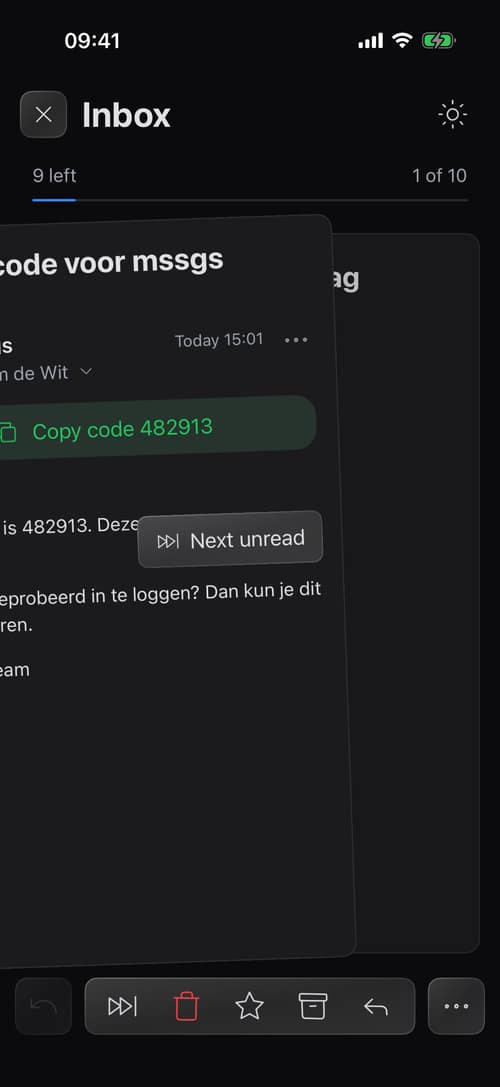
You can turn on two-factor with an authenticator app. After that, signing in asks for the six-digit code alongside your password.

Aliases and your own domain

Not yet. Both are on the list, but today you get one address.

Conversations

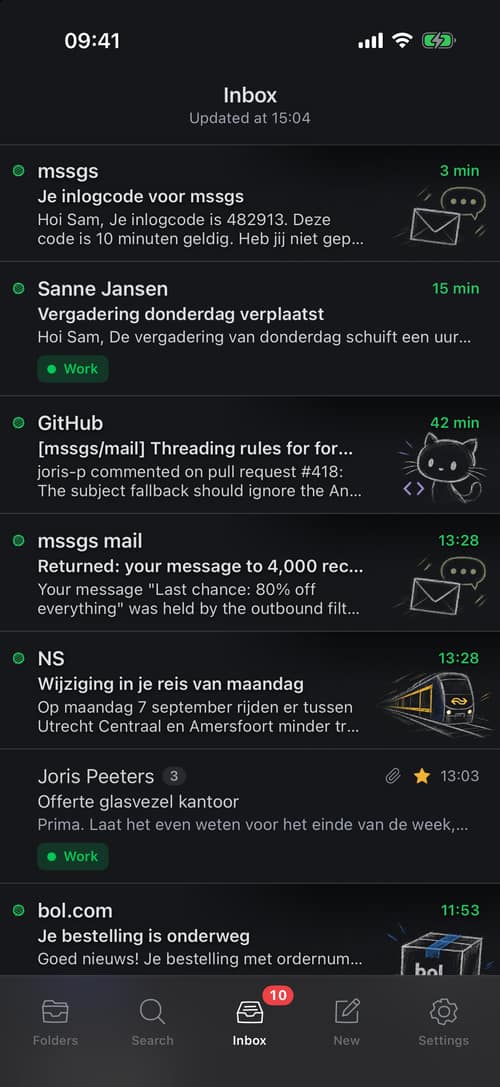
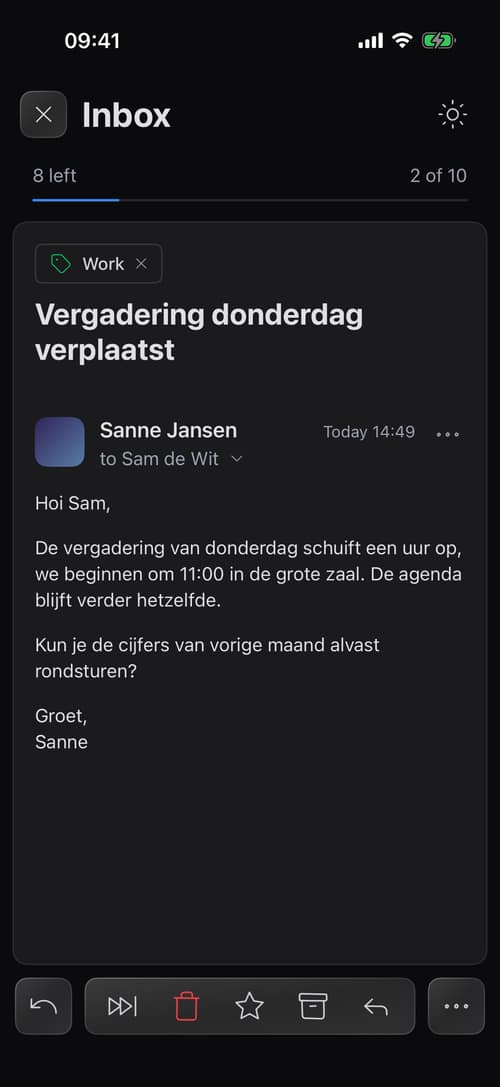
A conversation is everything that belongs together: the first message, every reply, and the forward that joined later. You read it as a conversation, not as five loose rows in a list.

By the threading headers

If a message answers something you already have, it belongs there. That lives in the message headers and is the most reliable way to tell.

By the subject

When those headers are missing we look at the subject without Re: or Fwd:, whether a participant matches, and whether the conversation is younger than fourteen days.

Unread per conversation

The counter in the list counts the unread messages in that conversation, not just the last one. Marking a conversation read marks all of them at once.

Prefer loose messages

That works too. Turn conversation view off in your settings and the classic flat list comes back.

Folders and labels

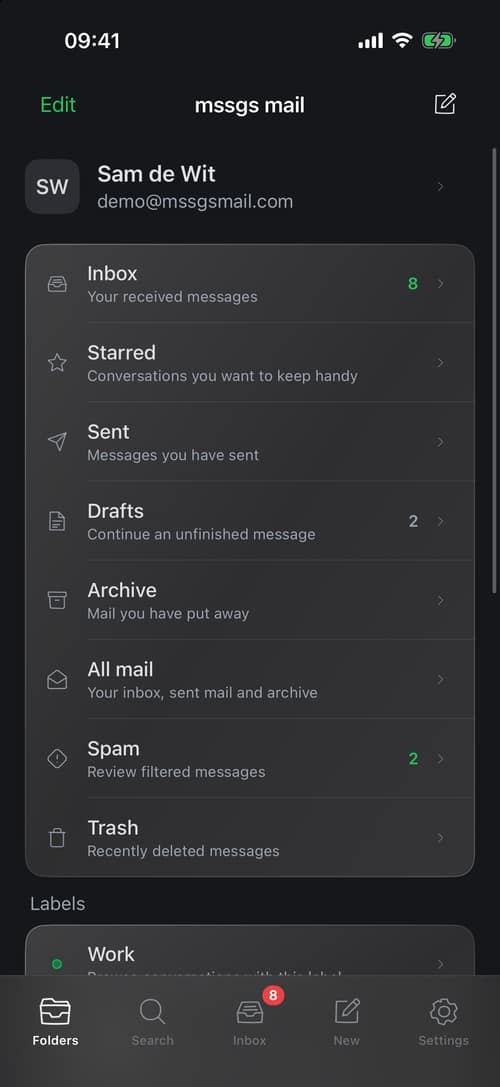
Seven folders that do what you expect, plus labels you create yourself and give a colour. A message sits in one folder and can carry as many labels as you like.

Inbox

Everything that arrives and was not judged to be spam.

Starred

The messages you flagged yourself, from any folder.

Sent

What you sent, with the bcc you set on it.

Drafts

What you are still writing, saved as you type.

Archive

Out of the inbox but not gone. Search finds it right back.

Spam

What the score or your own rule sent here. You look in yourself.

Trash

What you threw away. After thirty days it is really gone.

Labels get a name, a colour and an order. They sit in the sidebar and you search them with label:.

Spam that listens to you

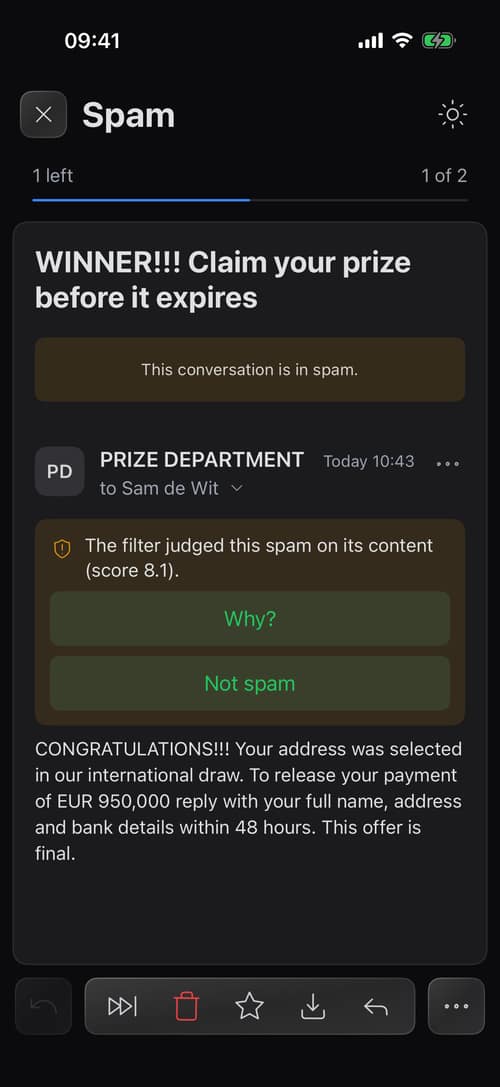
Every incoming message gets a score from the mail server. What happens next is up to you: your own rules first, the score after that.

A score per message

The mail server judges the message and gives it a number. Higher means more suspicious.

Your threshold

Above your threshold a message goes to Spam. Set too low and you miss mail, so raise it. Set too high, lower it.

Rules per sender

Mark a message as spam and we remember that address. Pull something out of Spam and the rule flips, so that sender arrives normally from then on.

You look in yourself

Spam is not quietly thrown away. It goes to a folder and you take things back out of it.

Writing and sending

Write, attach, send. Without losing anything on the way.

Drafts

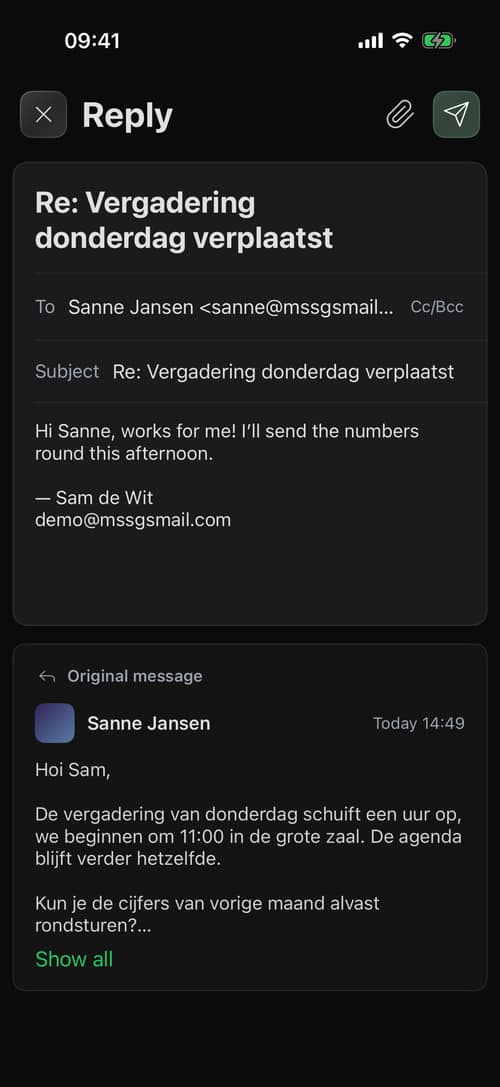
A draft saves itself as you type and belongs to the conversation you are answering. If sending fails, the draft stays where it was.

Attachments

Up to 25 MB per file and 40 MB for the whole message. Only you can open the attachments on your own mail.

Addresses you know

Everyone you send to and everyone who writes to you lands in your address list. Typing a name or an address suggests them, most used first.

Signature and sending

A signature goes under every message automatically. Sending runs through our own mail server, which signs the message and delivers it.

Mail to another mssgsmail.com address goes out and comes back in the normal way too. That keeps the checks identical for every message.

Settings you actually use

A short list, not a screen full of switches.

Display name

The name that sits next to your address at the other end.

Signature

In plain text and in formatting, under every message automatically.

Reply all

Choose whether the button writes to everyone by default or only to the sender.

Spam threshold

How strict the filter is for your mailbox.

Conversation view

Conversations or loose messages.

Language

Dutch or English, separate from the language of this site.

What is not there yet

Better that you read it here than find out the hard way. These are on the list, but they are not in the product today.

IMAP and SMTP

Connecting your own mail client is not possible yet. It is on the roadmap. Until then the web client is how you get in.

Importing mail

Moving a mailbox over from another provider is not possible yet.

Aliases

Several addresses on one mailbox come later.

Your own domain

Mail on your own domain comes later. Today every address is an mssgsmail.com address.

Filters and rules

Apart from the per-sender spam rules you cannot write your own rules yet.

Calendar and contacts

mssgs mail is mail. There is no calendar in it, and none planned.

Ready for your own address?

Free while in beta. Pick a name and you can start mailing.